
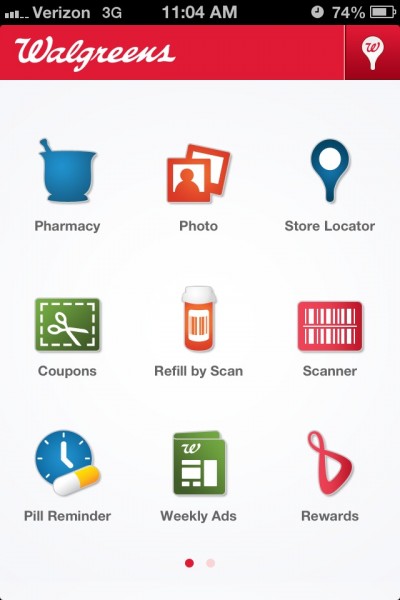
Have you heard about the Balance Rewards Program at Walgreens? I have the Walgreens App on my phone and it is so easy to use! Not to mention how many different things you can do with the app – all from your iPhone, iPad, or Android. You can order photos, refill prescriptions, find coupons, check your Walgreens Rewards Balance, and more!
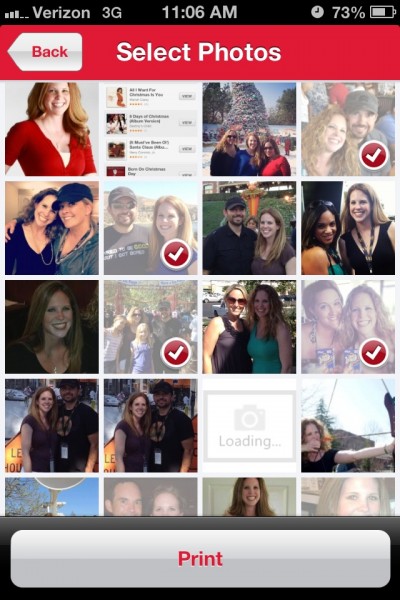
I was looking to create Easter gifts for my boyfriend’s mom and best friend – and the Walgreens Photo App made it easy. The first thing I did was open the app and go into the Photo section. I had the choice to print the photos from either my Facebook account or my phone. There were so many pictures to choose from!
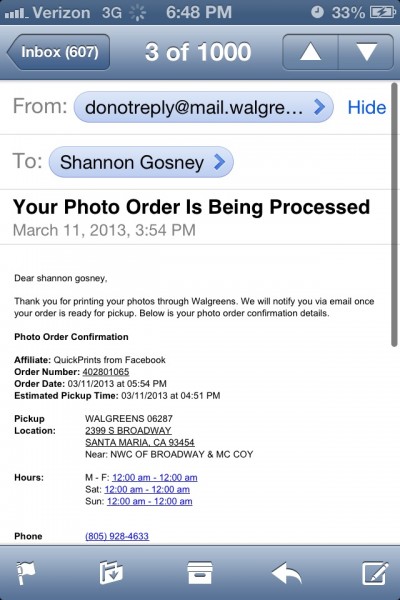
Once I selected the pictures I wanted, I finished the process by entering my first name, last name, phone number and email address. I also entered in any coupon codes I had, the store location I wanted to pick up my photos from and agreed to the terms found at the bottom of the screen. I received two different emails. One was from Walgreens saying that my photo order was being processed and included an estimated time of when I could pick up my order. The second email was from Walgreens and told me that my order was ready to be picked up!
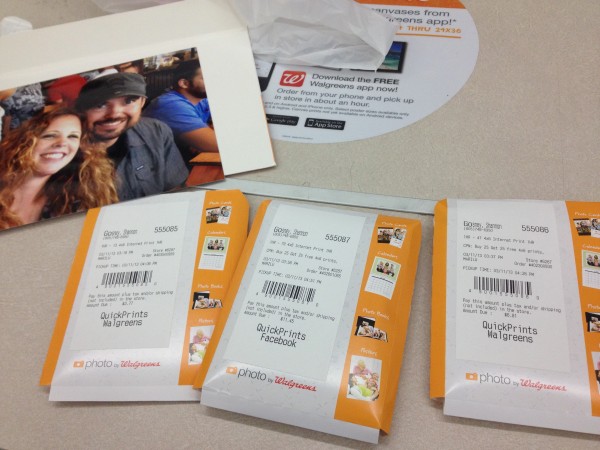
I printed a bunch of pictures and found a great coupon on the Walgreens site. There was a coupon where you get 25 free prints when you purchase 25 prints. I was all over it! I also enlarged one of the photos to an 8×10 size for my boyfriend’s mom. She’s been wanting to frame a picture of Frank and I, so this is perfect!

I brought my youngest son, Sammy, with me to go shopping at Walgreens. He was a fabulous helper and made the shopping trip that much more fun! As soon as we got to the store, we grabbed a basket and headed over to the Photo Center. Once we picked up and paid for the pictures, we browsed the frames and chose some awesome ones for the 4×6 pictures we printed. We also purchased some Easter baskets, Easter grass, Peeps, M&Ms, and some goodies for the boys.
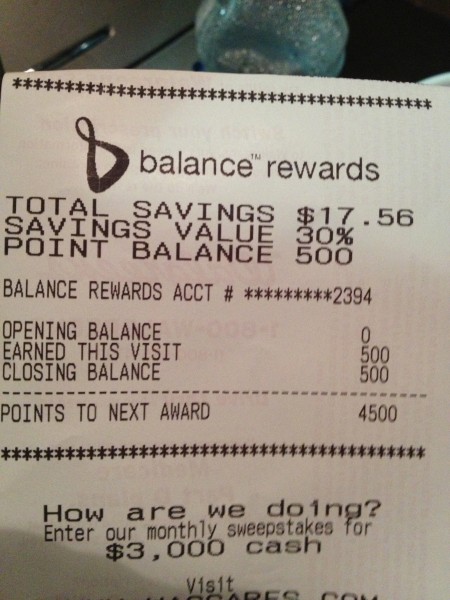
We gathered all our items and headed to the checkstand. I am so glad I had the Walgreens Balance Rewards! Not only did I get the special discount prices on some of the items I purchased, but I also earned points for my purchase. Once I reach 5,000 points, I get a $5.00 reward. Only 4,500 more points to go! Are you a Walgreens Balance Rewards member? If not, you should join today and watch the savings add up!



When we got home, I put together the Easter gifts for Frank’s mom and my best friend. They turned out really cute! I can’t wait to give them their goodies!
To learn more about my shopping experience at Walgreens, be sure to check out my Google+ Story.
You can follow Walgreens on both Twitter (#HappyHealthy #cbias) and Facebook for more deals and updated information.
I am a member of the Collective Bias® Social Fabric® Community. This shop has been compensated as part of a social shopper insights study for Collective Bias® and Walgreens #cbias #SocialFabric All opinions expressed in this post are 100% mine.
What a nice looking Easter baskets! It is so easy to print pics via the Walgreens app!
I love giving photo gifts, and Walgreens definitely makes it easy.
I have the Walgreens app. I like using it to make shopping lists and tracking my points. I’m about 1,000 points away from my $5.00 reward!
I am so loving how much Walgreen’s is stepping up their game with their rewards program!
I like giving my family photo gifts. I don’t live near a Walgreen’s but love to visit when I’m in the USA.
photos make the best gifts…i use walgreens for photos all the time